Made to connect.
Archiving, deleting and recovering a QR Code
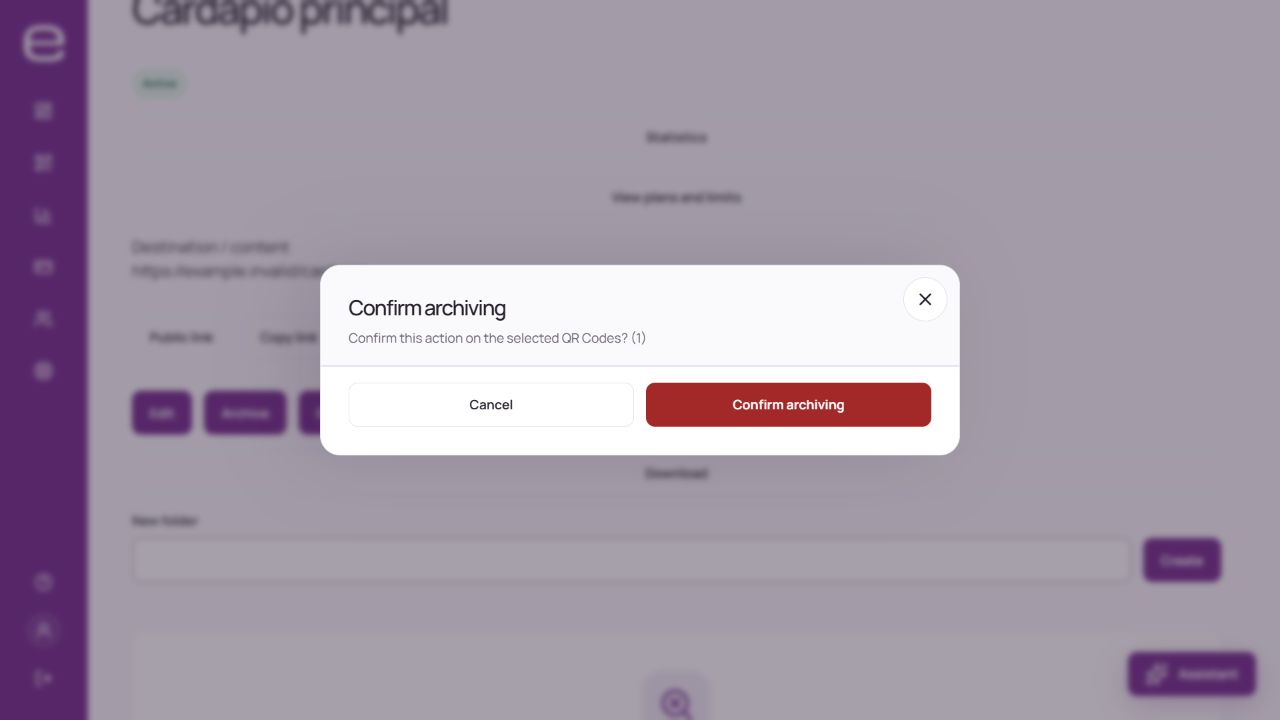
Archive a QR when you need to remove it from active use and may want to reactivate it later. Before deleting it, check the effect on materials that already use the code.
Understand the difference
| Action | Effect and conditions |
|---|---|
| Archive | The QR is no longer active and may stop public access to its content. It may free a slot in the account’s limit. |
| Reactivate | Depends on permissions, QR and account status and an available slot within the plan’s limit. |
| Permanently delete | Reserved for the owner. Do not rely on being able to recover it through the panel. |
Before confirming
- Check the account, QR name and address used on distributed material.
- Choose the intended action and read the displayed confirmation.
- For a bulk action, check every item and the stated effect.
- Confirm only if you agree, then check the recorded result.
Freeing a slot does not allow you to exceed the limit when reactivating other codes. An archived QR should not be treated as active in campaigns or material still in circulation.
Removed something by mistake?
Stop changing the resource and contact support with its identifier. The team can assess the available recovery mechanisms without guaranteeing restoration. Removal also does not mean immediate physical deletion from every record and backup. Invitations and editing roles do not transfer account ownership or billing rights.